General
An UpNote Alternative for Growing Work: Yazora vs UpNote
UpNote is one of the nicest note-taking apps around. It is fast, clean, works offline, and its lifetime price is hard to beat. So why search for an UpNote alternative ? Usually because your notes have started to become something bigger: a…
UpNote is one of the nicest note-taking apps around. It is fast, clean, works offline, and its lifetime price is hard to beat.
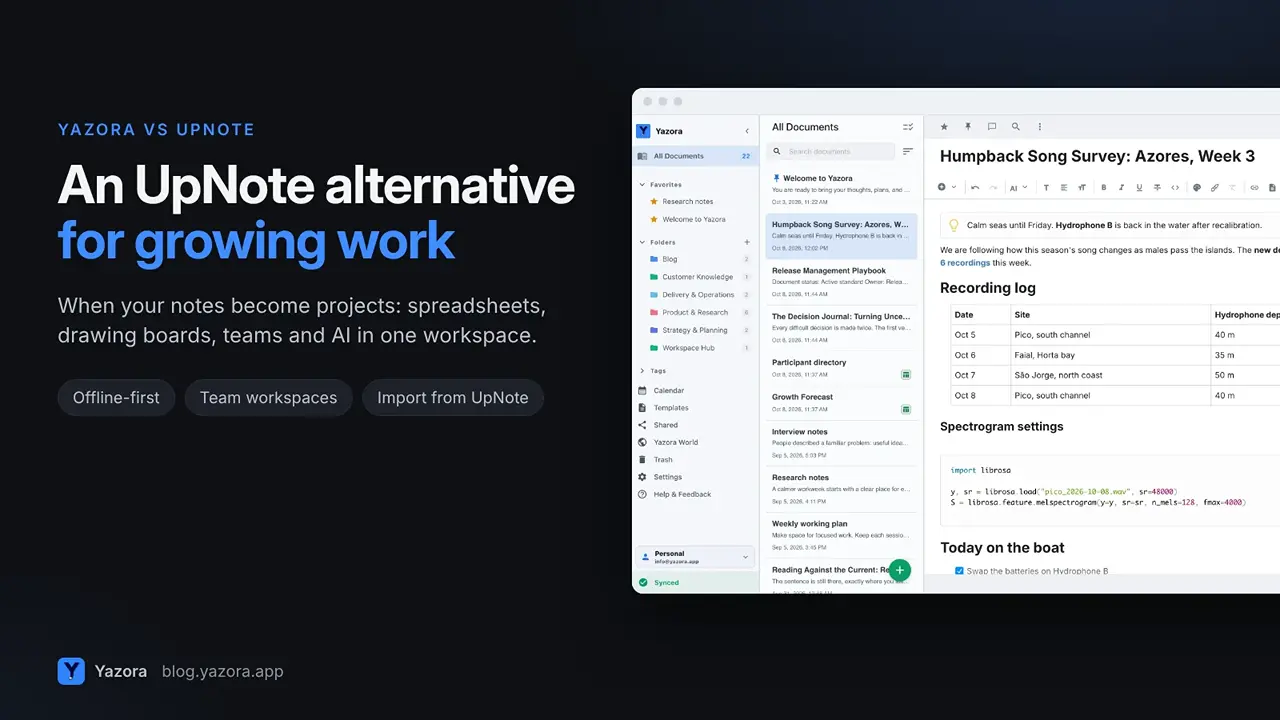
So why search for an UpNote alternative? Usually because your notes have started to become something bigger: a project with a plan, a table of numbers, a diagram, or a team that needs to work in the same place.
This guide compares Yazora and UpNote honestly, including the cases where UpNote is still the right choice, and shows how to bring your UpNote notes into Yazora in a few minutes.
Quick answer
- Stay with UpNote if you write mostly on your own and want the simplest, cheapest notes app that syncs everywhere.
- Choose Yazora if you also need spreadsheets, drawing boards, a calendar, AI help, or a team that edits the same documents together.
What UpNote does really well
Credit where it is due. According to UpNote's website, it offers:
- a clean editor with Markdown, code blocks, tables and attachments;
- nested notebooks, hashtags, internal links and templates;
- offline access and sync across Mac, Windows, Linux, iOS and Android;
- export to Text, PDF, HTML or Markdown;
- a free plan for up to 50 notes, and Premium for $1.99 per month or $39.99 once for a lifetime license.
If that list covers everything you do, UpNote is a great place to stay.
Where you may outgrow UpNote
1. When notes need tables, numbers and sketches
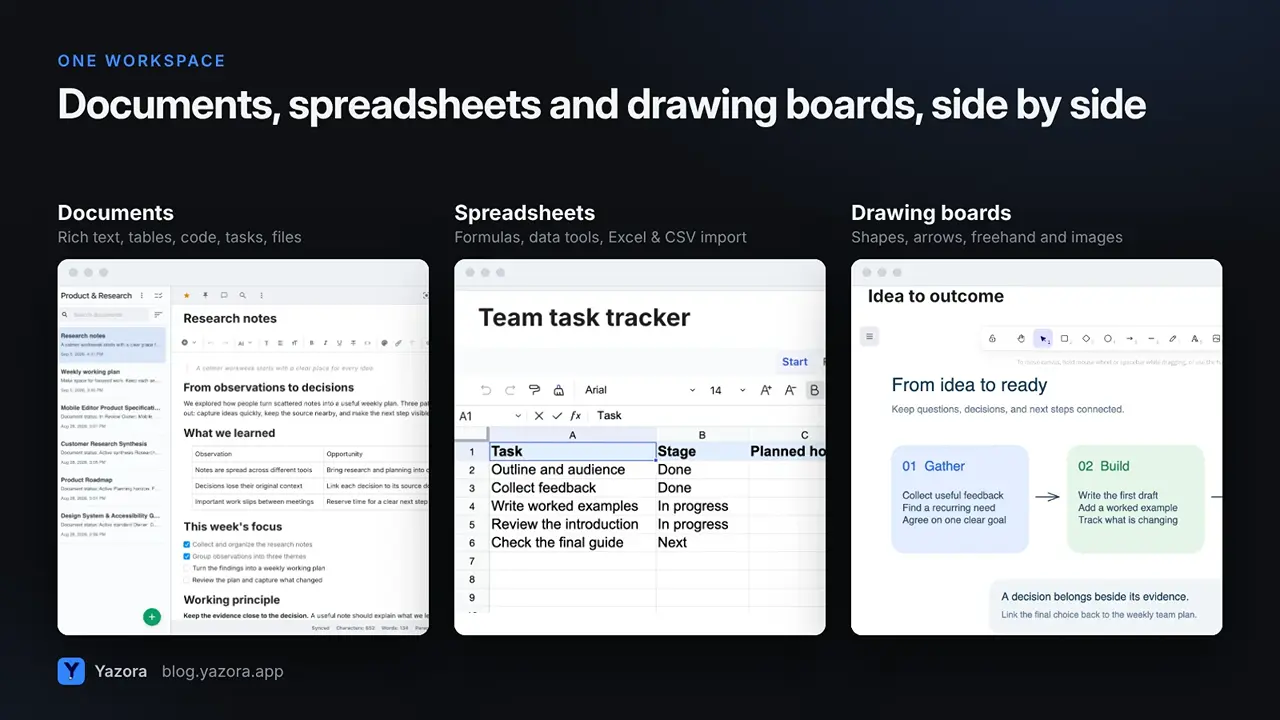
UpNote is a notes app. Yazora is a workspace where documents, spreadsheets and drawing boards are first-class types in the same folders, tags and search.
- Build a real spreadsheet with formulas, or import Excel, CSV and OpenDocument files.
- Sketch a flow or a mind map on a drawing board with shapes, arrows and freehand drawing.
- Keep the plan, the numbers and the sketch next to the notes they came from.
2. When you start working with other people
UpNote has no real-time collaboration, comments or shared team workspaces, as this 2026 review points out. You can share a note through a secret web link, but others can't edit it with you.
Yazora has personal and team workspaces. You can:
- invite people and give each one view or edit access;
- edit the same document, spreadsheet or drawing board together in real time on paid Team plans;
- comment on a page or a single block, and keep private notes only you can see.
3. When you publish
Yazora separates drafting from publishing. Publish a finished document as a read-only web link; later edits stay private until you choose to update the published version. You can rotate the link or stop publishing at any time.
4. When you want planning and AI in the same place
On paid Personal plans, Yazora adds a calendar with day, week, month and year views, recurring plans and reminders, and you can link documents to a plan. Paid plans also include AI with a monthly quota. It works on the text or document you choose, and you review the result before applying it.
Offline works in both
Both apps are built to work without internet. In Yazora, every change is saved to your device first and syncs when you reconnect, so your other devices catch up automatically. AI, live collaboration and content not yet downloaded to the device need a connection.
Price: an honest comparison
For a single person who only writes notes, UpNote is cheaper. Its lifetime license costs less than a year of most subscriptions.
Yazora makes more sense when you need more than notes, or when you work as a team:
Yazora plan | Price | What you get |
Personal Free | $0 | Documents, spreadsheets and boards, 250 MB, 2 sync devices |
Yazora Pro | $4.99 / month | 5 GB, 10 sync devices, advanced content encryption, 180-day history, AI |
Free Team | $0 | Up to 5 people, 250 MB shared storage |
Team Pro | $29.99 / month | Up to 10 people, 25 GB, live collaboration, AI |
Prices from yazora.app/pricing, October 2026. Team prices are per workspace, not per person.
How to move from UpNote to Yazora
Yazora imports UpNote ZIP exports directly.
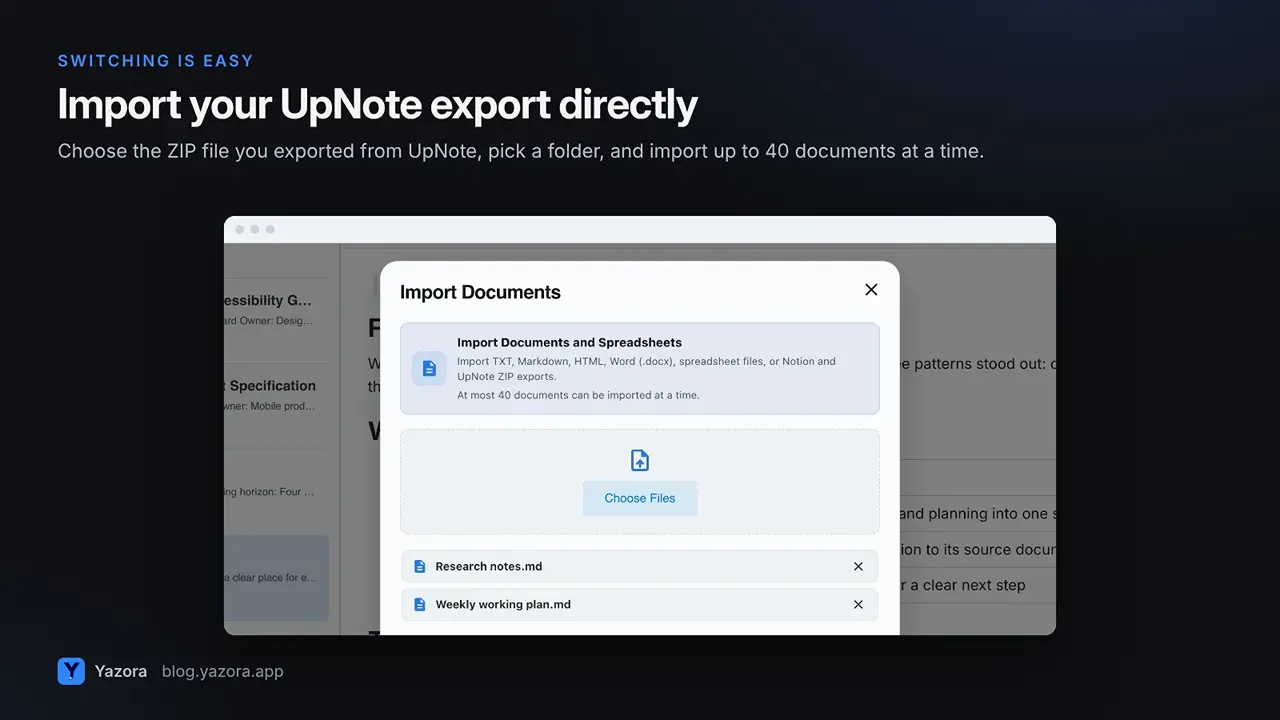
- Export from UpNote and save your notes as a ZIP file.
- Open Import Documents in Yazora and choose the UpNote ZIP export.
- Pick a destination folder and import, up to 40 documents at a time.
- Organize with folders, tags, favorites and pins, and turn your favorite notes into templates.
Yazora vs UpNote at a glance
| UpNote | Yazora |
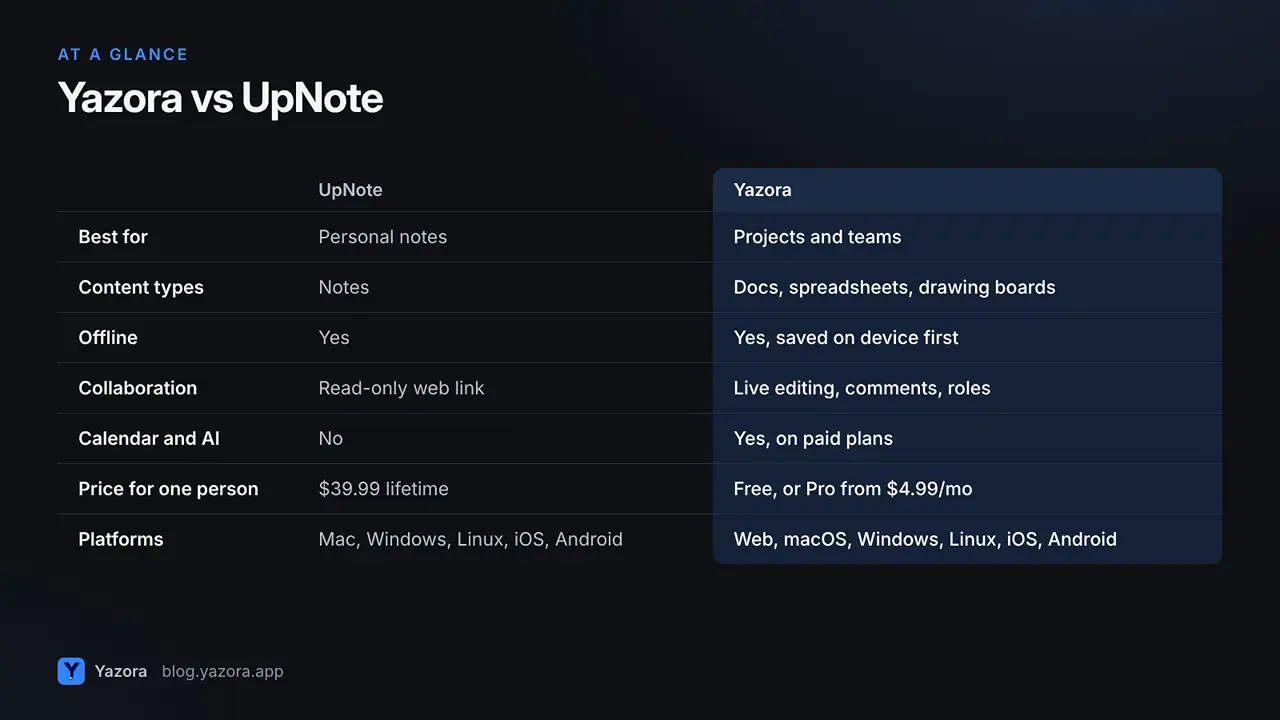
Best for | Personal notes | Notes that grow into projects and teams |
Content types | Notes | Documents, spreadsheets, drawing boards |
Offline | Yes | Yes, saved on the device first |
Collaboration | Share a read-only link | Team workspaces, live editing, comments |
Publishing | Secret web link | Publish a chosen version, update when ready |
Calendar and AI | No | Yes, on paid plans |
Price for one person | $39.99 lifetime | Free, or Pro from $4.99 / month |
Platforms | Mac, Windows, Linux, iOS, Android | Web, macOS, Windows, Linux, iOS, Android |
Who should switch, and who shouldn't
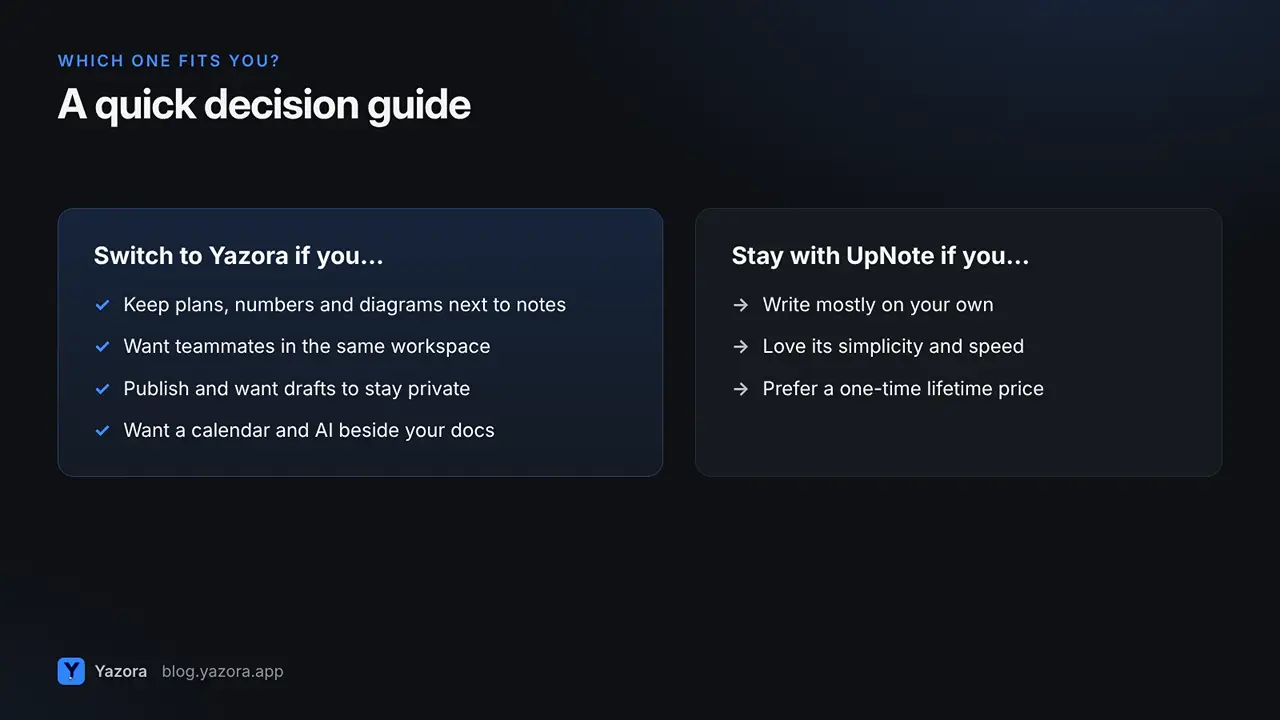
Stay with UpNote if you write alone, love its simplicity, and don't need tables, sketches or teammates.
Switch to Yazora if you:
- keep project plans, numbers and diagrams next to your notes;
- want to bring a few people into the same workspace without per-person pricing;
- publish guides or notes and want drafts to stay private until they are ready;
- want a calendar and AI next to your documents.
FAQ
Can I import my UpNote notes into Yazora? Yes. Yazora's Import Documents dialog accepts UpNote ZIP exports, up to 40 documents at a time.
Does Yazora work offline like UpNote? Yes. Changes are saved to your device first and sync when you reconnect.
Is Yazora free? Yes. Personal Free includes documents, drawing boards, spreadsheets, 250 MB of file storage and up to 2 active sync devices, with no time limit.
Can I collaborate in real time? Yes, in Team workspaces on paid Team plans. Free Team workspaces include up to five people.
Which platforms does Yazora support? Web, macOS, Windows, Linux, iOS and Android.
When your notes become projects, give them a workspace. Start with Yazora for free.